Pictures with Words
Pictures with Words Demo Manifest
A living sandbox for photo-forward shortcodes: hero, masonry, spreads, and filmstrips. See how Hugo powers responsive, EXIF-aware layouts without dependencies.
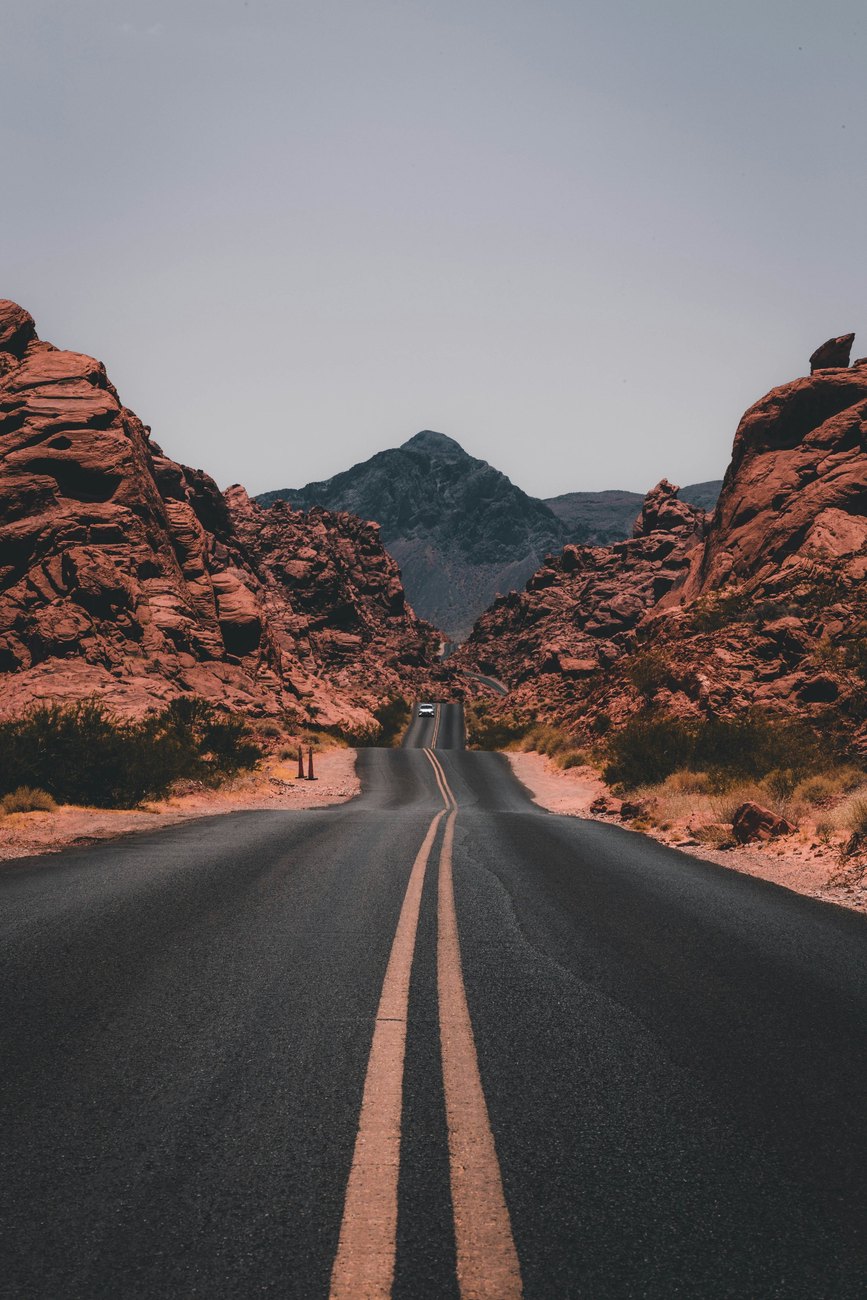
Pictures with Words
Pictures with Words Demo Manifest
How to assemble image-heavy stories with Hugo’s resource pipeline, responsive AVIF/WebP/JPEG outputs, and EXIF-aware overlays.
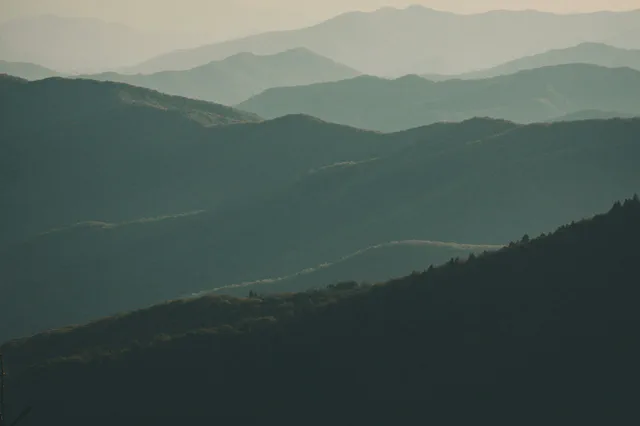


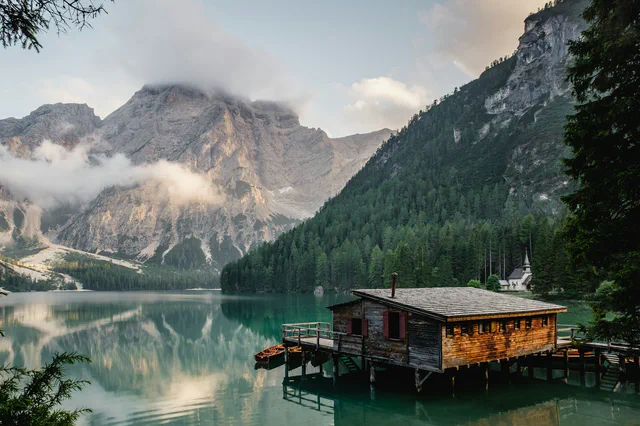
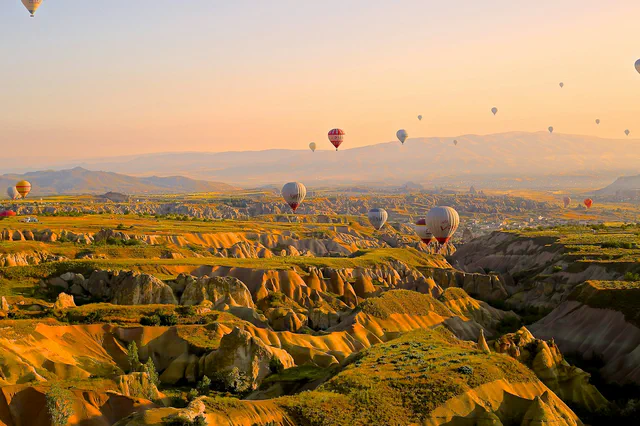
Flow options
Shortcodes remain available below; tap any gallery to open the lightbox.
Welcome to the playground for the new Pictures with Words experience. Everything on this page runs on Hugo’s resource pipeline—no external image CDN, just smart resizing, AVIF/WebP fallbacks, and the image metadata already shipped in this repo.
Quick recipe
- Drop your photos into this page bundle alongside
index.md. - Use the
pw-*shortcodes to choose the flow you want. - Keep writing Markdown as usual; Hugo handles responsive sources, EXIF overlays, and lightbox hooks.
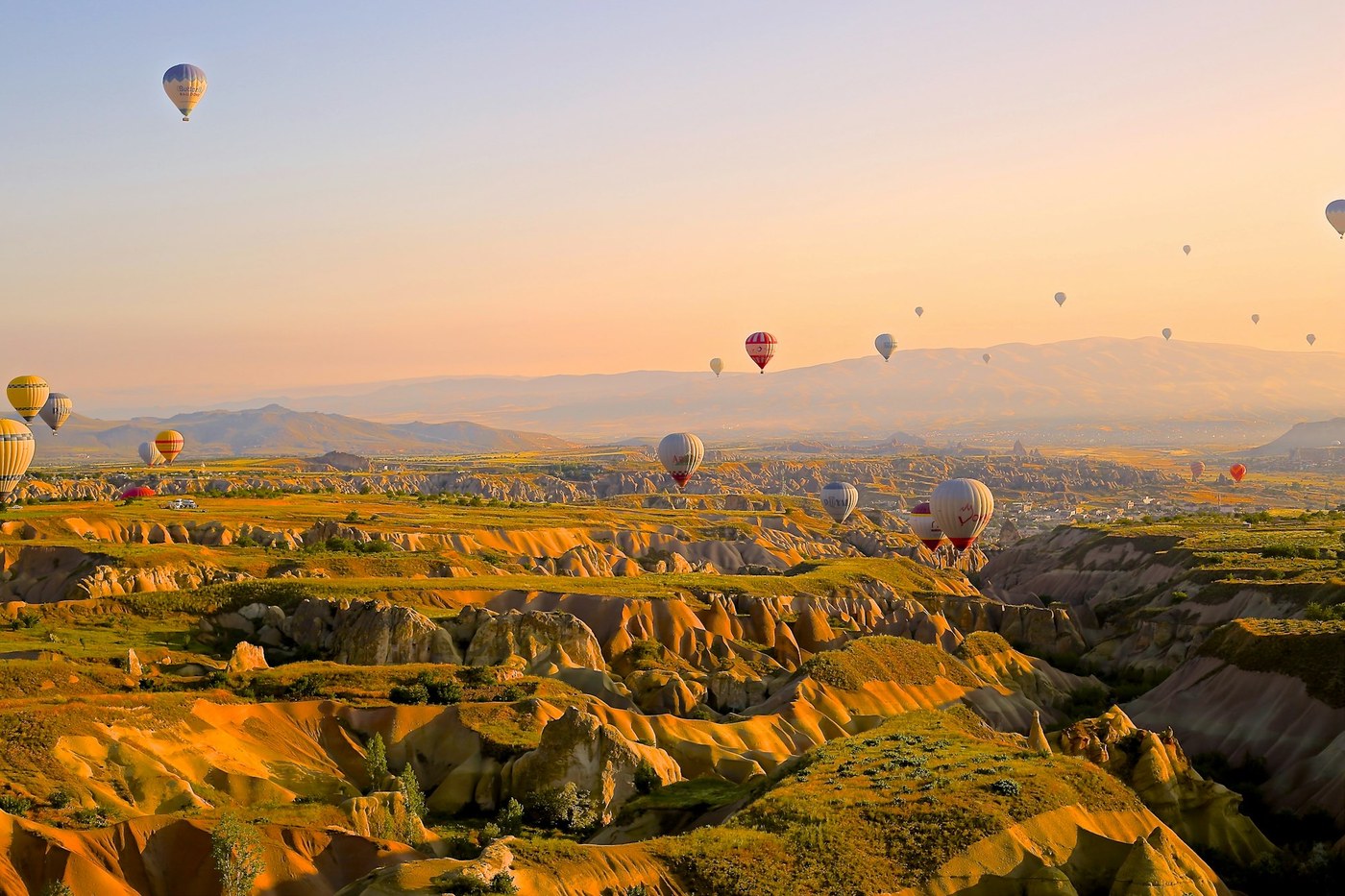
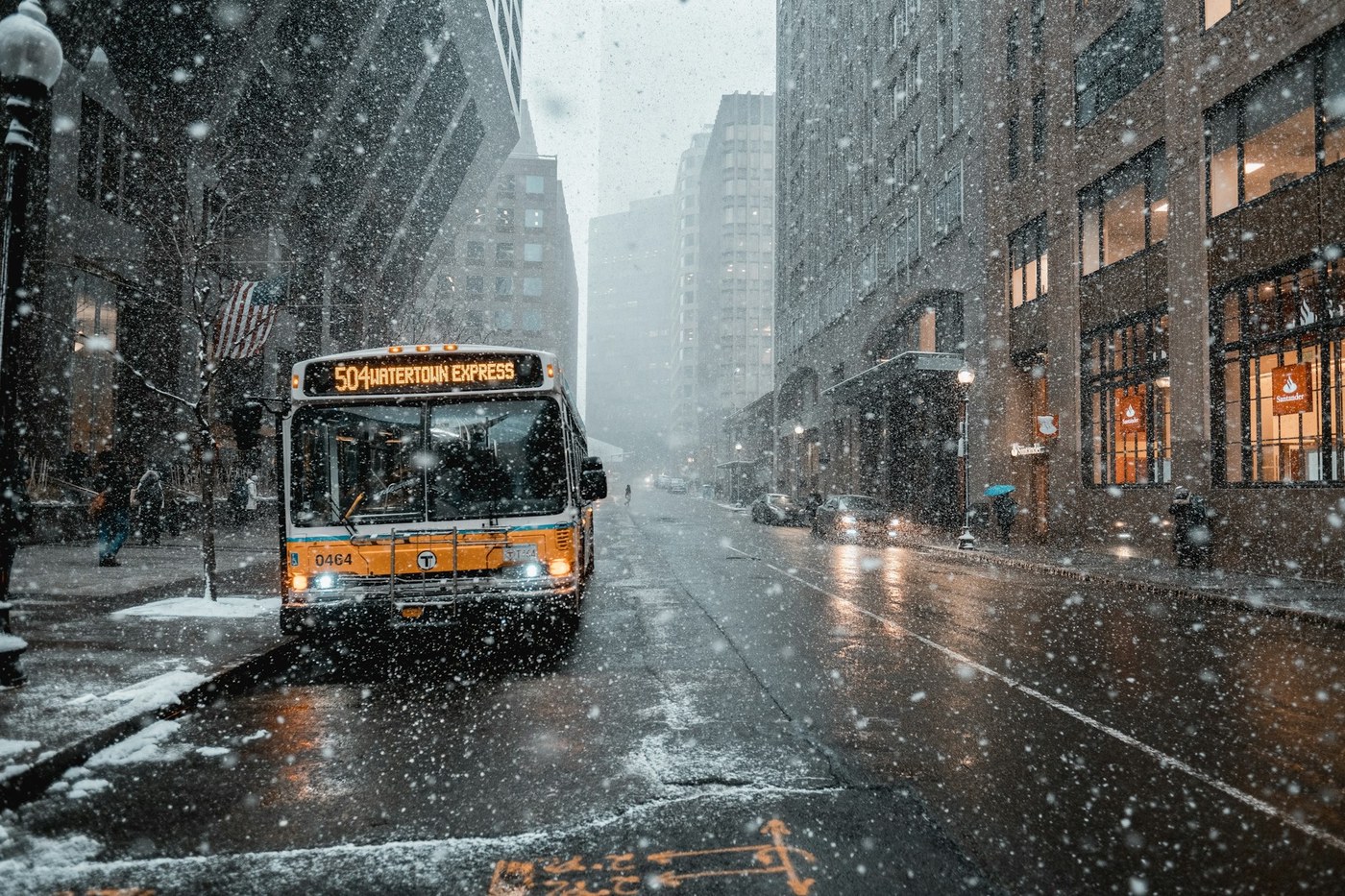
Masonry wall
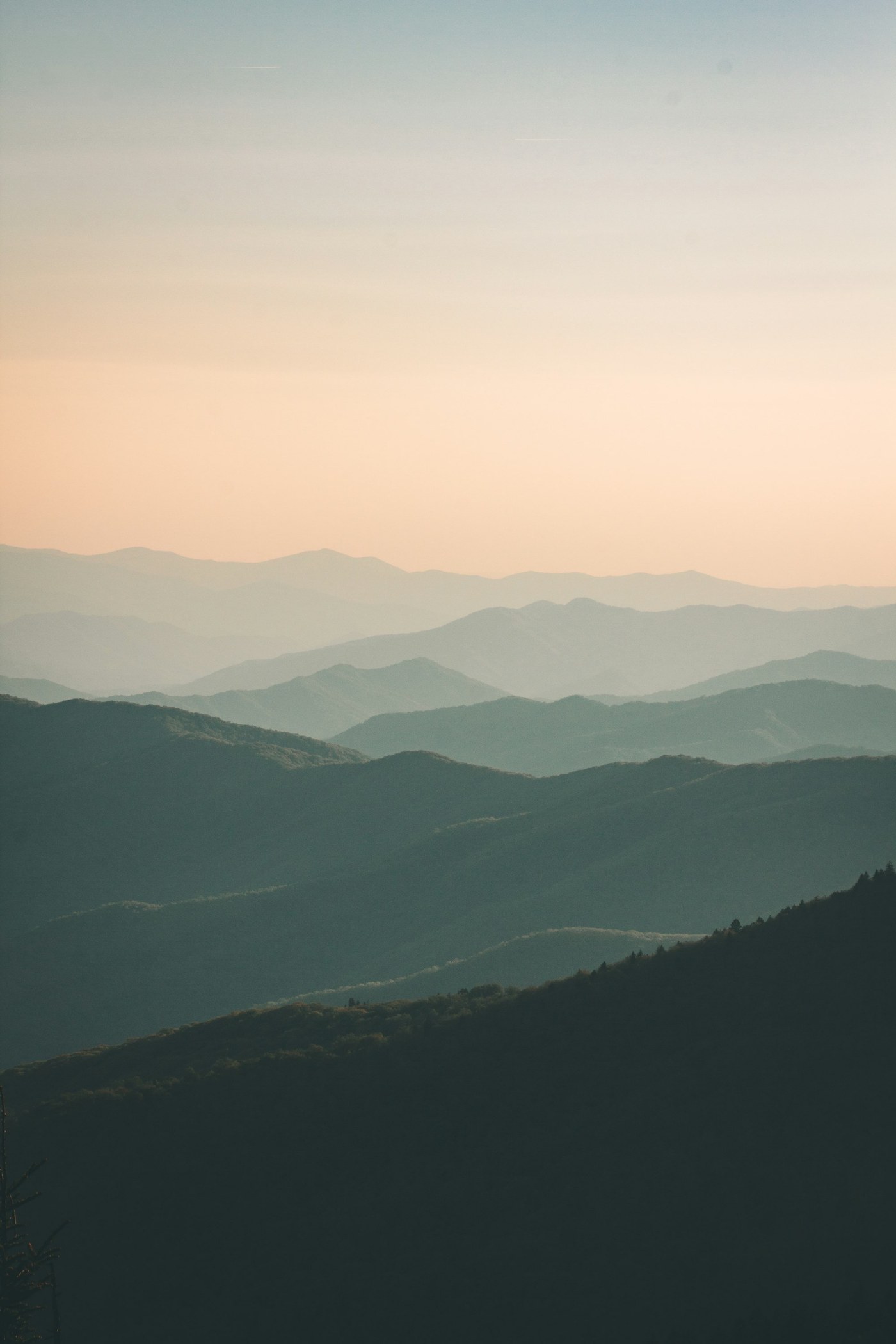
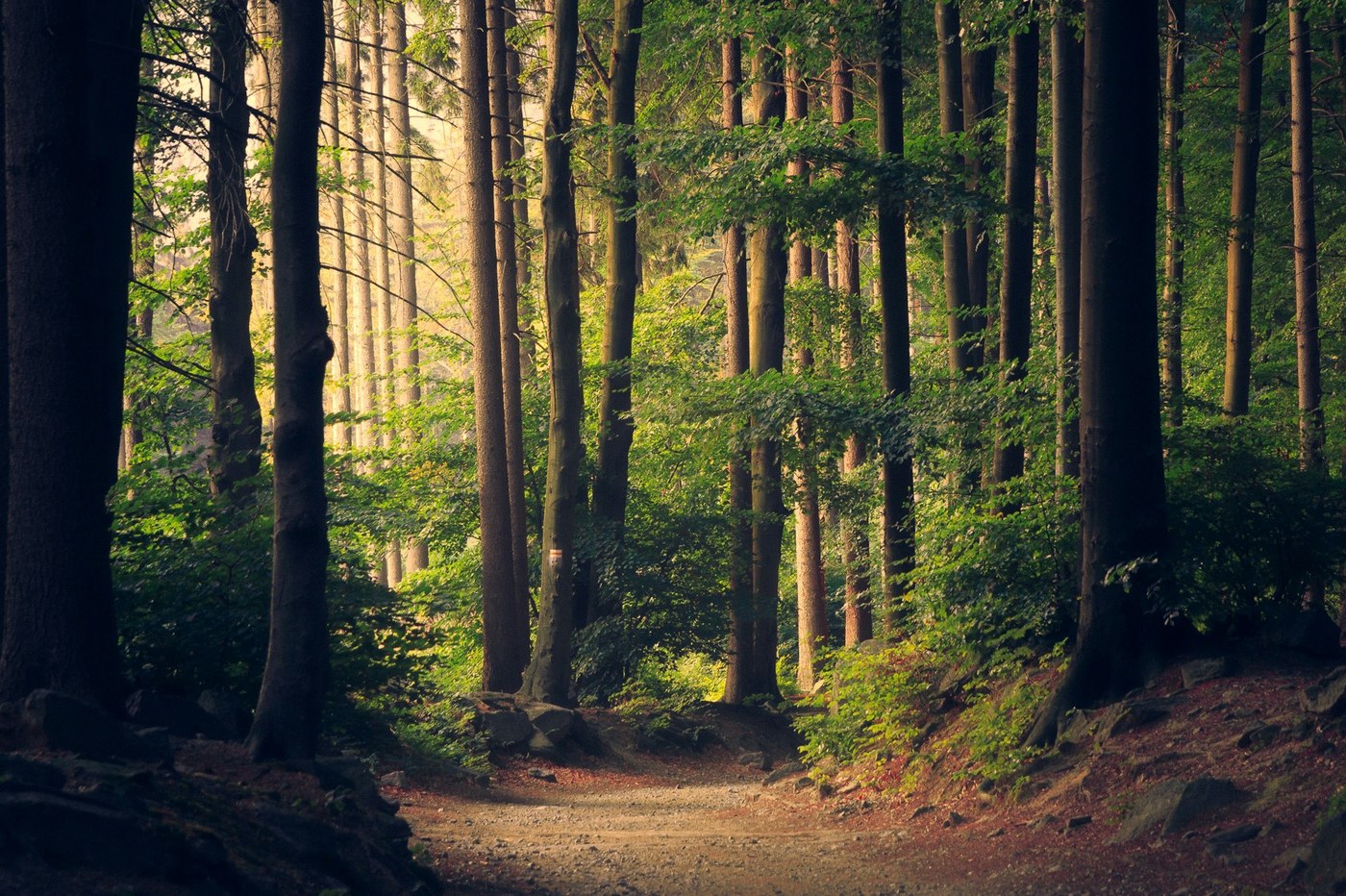
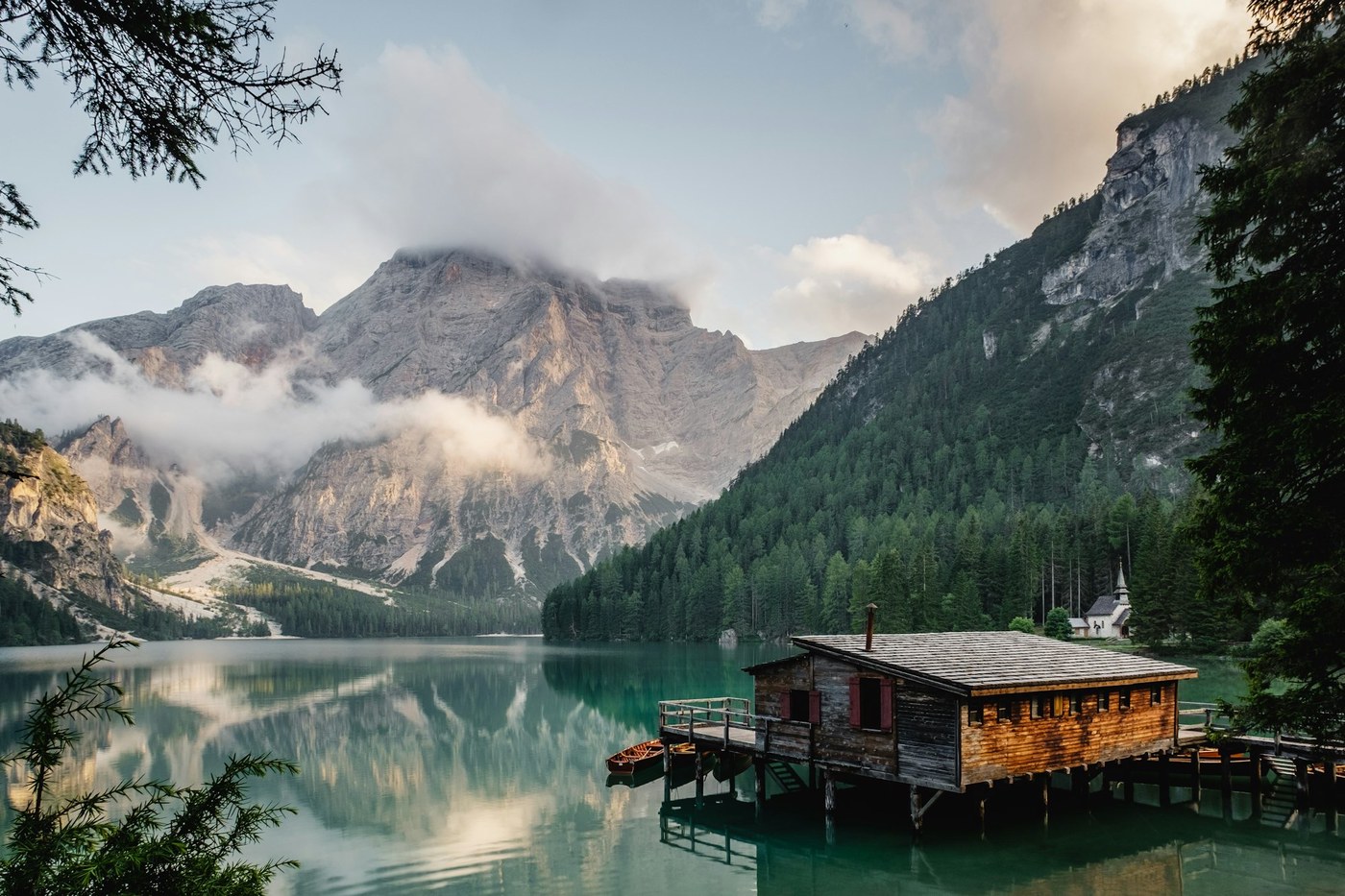
Use pw-masonry when you want density without losing the individual feel of each frame. Everything in the masonry/ subfolder is pulled automatically.

Staggered spread (diptych / triptych)
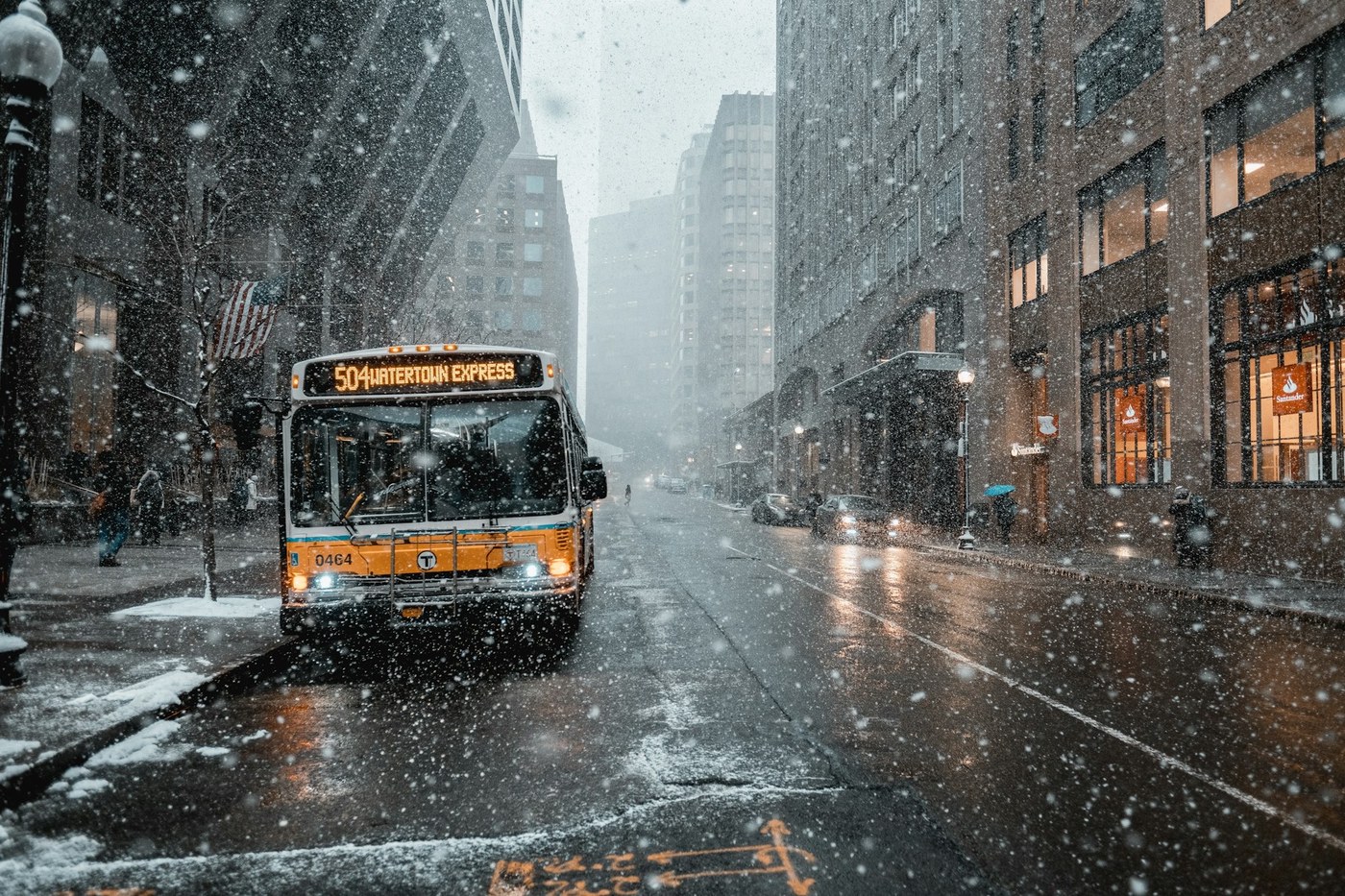
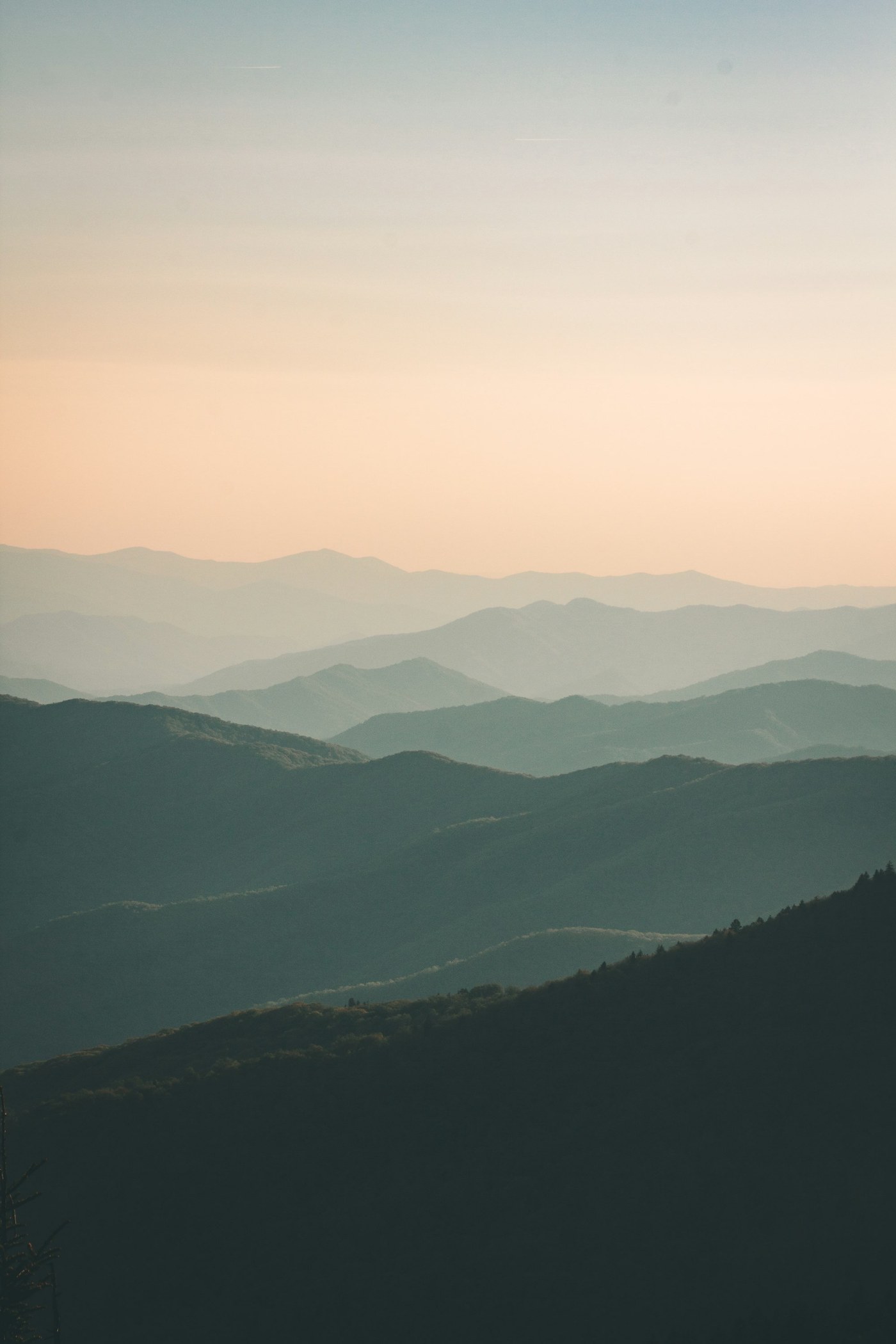
pw-spread handles small curated sets—good for breaks between text sections or to compare frames.

Single image callout
When you just need one photo with a caption, the default Markdown figure works great.
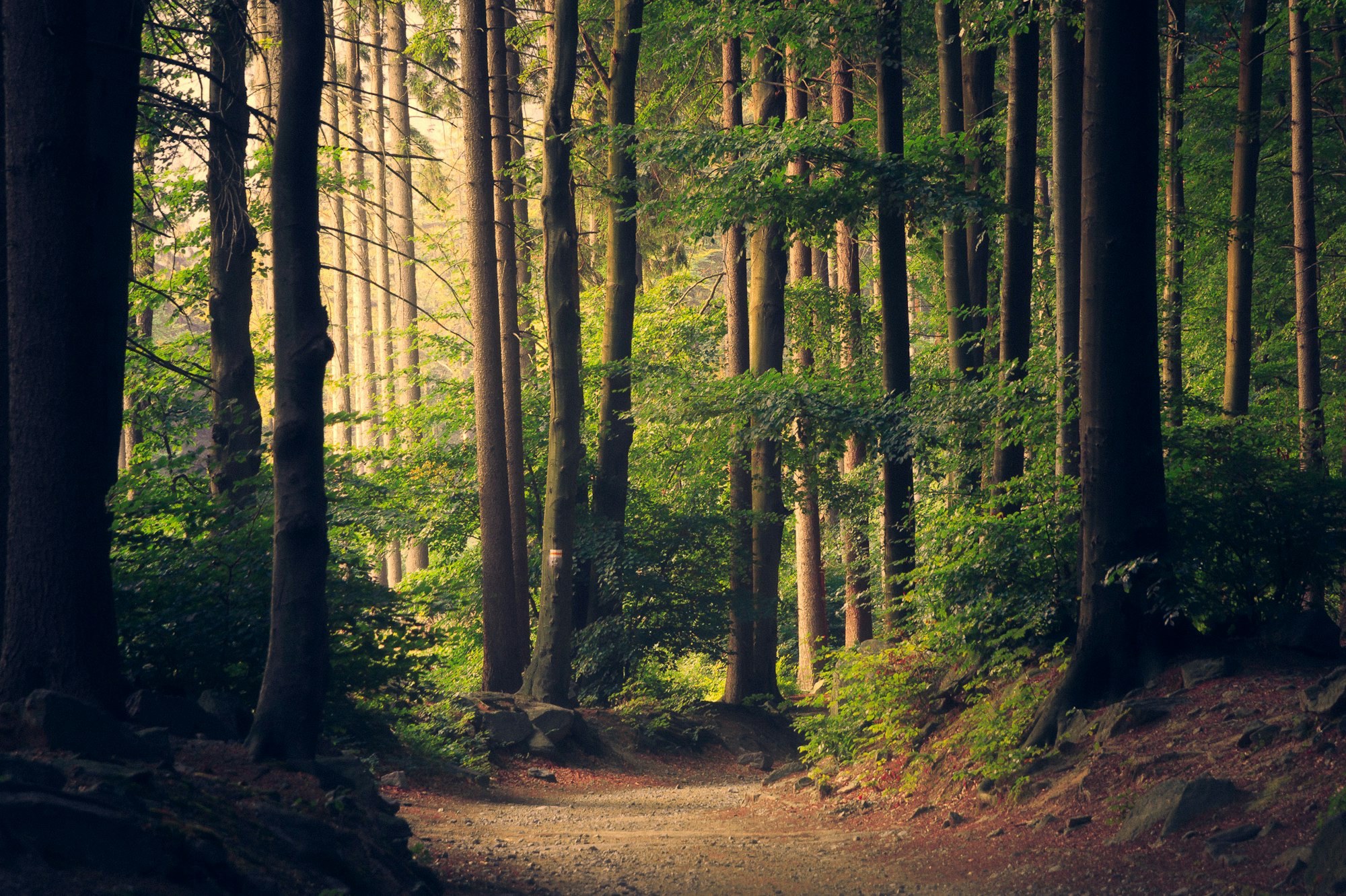
Photo Information
Technical
Scrolling filmstrip
For contact-sheet vibes or lightweight BTS sequences, pw-filmstrip creates a horizontal reel with snap points and lightbox-ready sources.
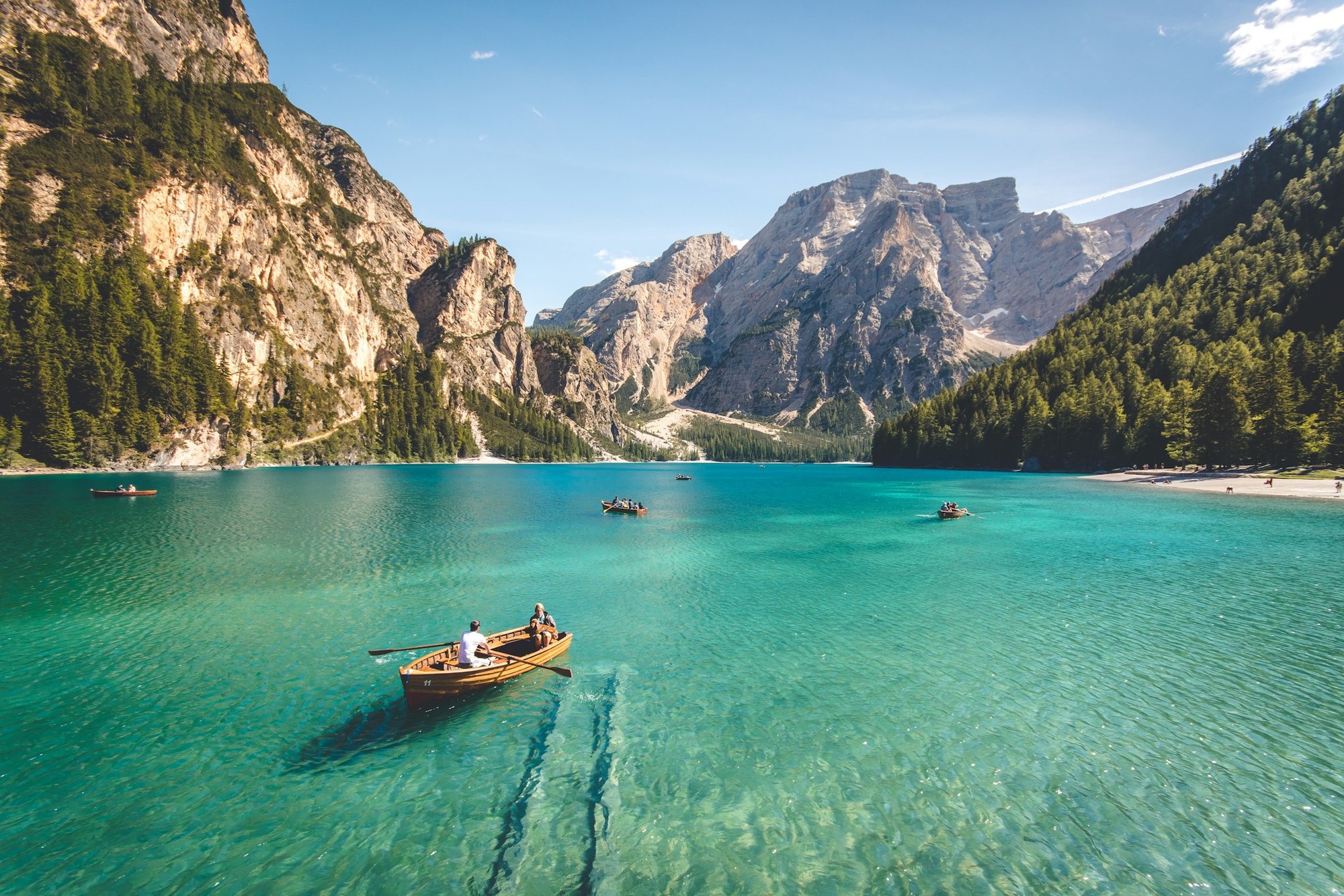
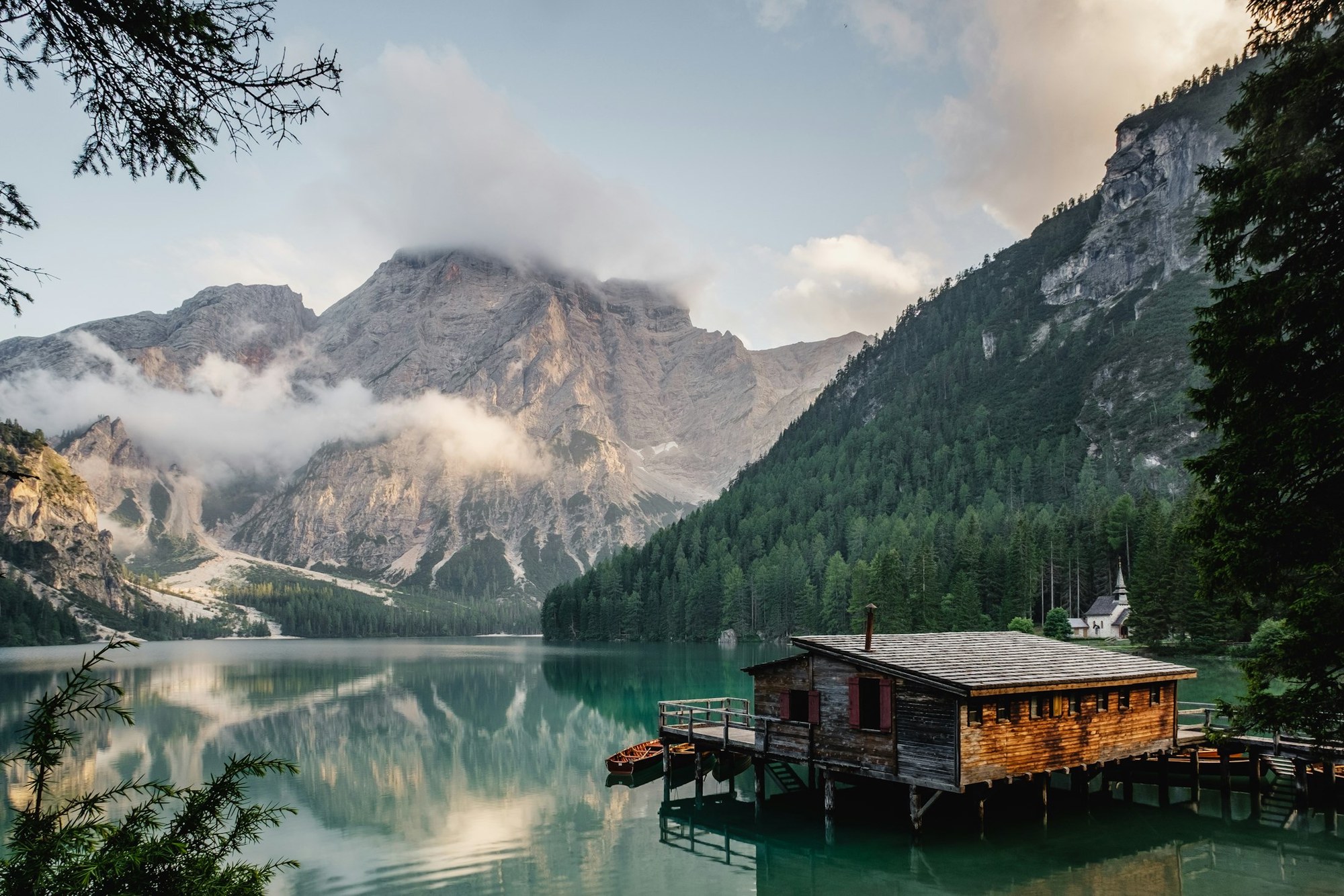

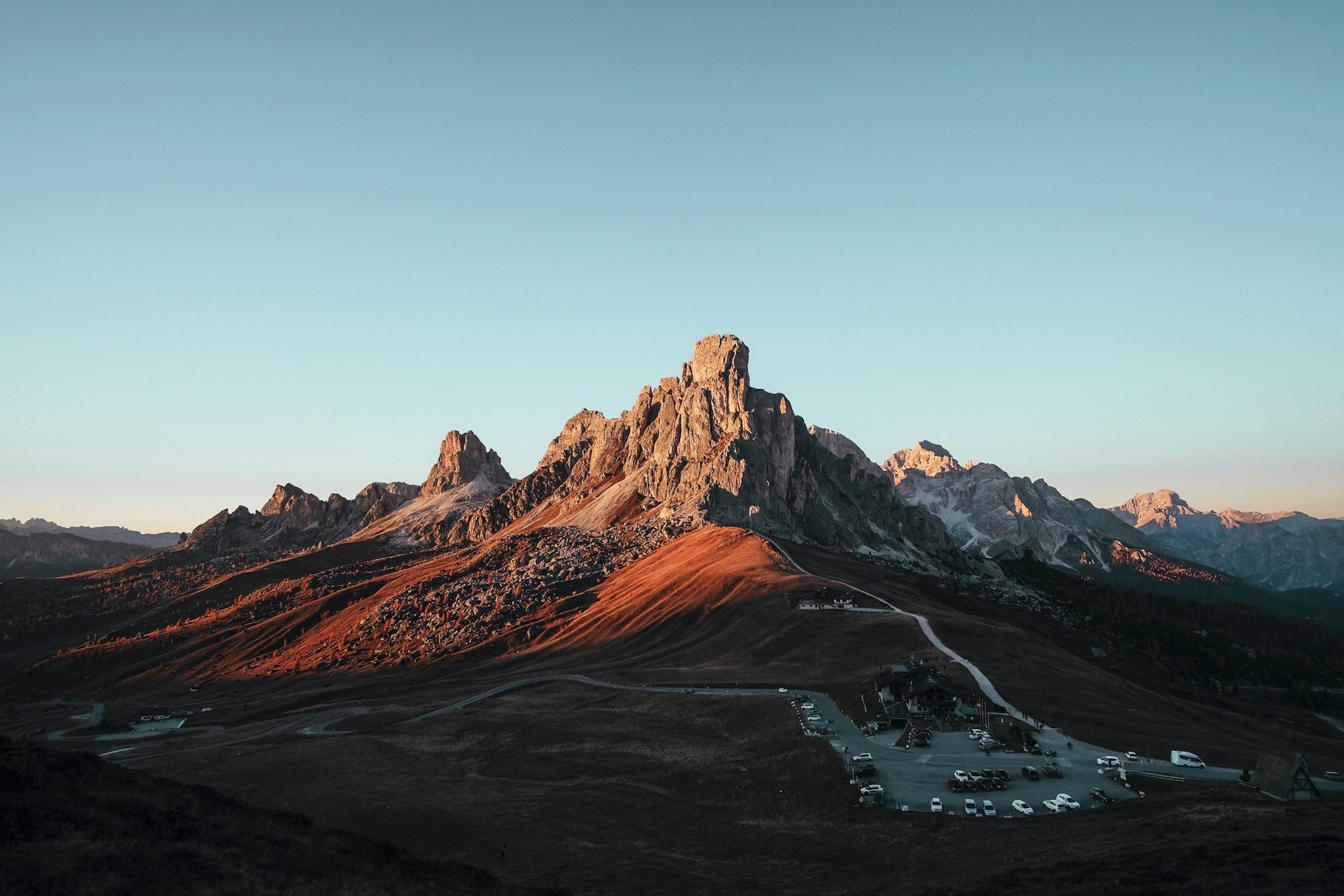
Drag or scroll horizontally; each frame is AVIF/WebP with JPEG fallback.
Full-bleed image test
Sometimes you want to break the column. Use pw-bleed to stretch a bundle image across the viewport.
Paragraph rhythm check
The layout is meant for essays as much as galleries. Here’s a quick body-text run to validate spacing, drop caps, and inline elements.
First paragraph triggers the drop cap and uses balanced line length to sit alongside the image rail. A short opening sentence tees up the pacing without overwhelming the reader.
Subsequent paragraphs should feel steady and readable. Mix in bold statements, light emphasis, and a sprinkle of inline code to prove the typographic system holds up. Blockquotes stay within the text column while images can float wide when asked.
Photography is writing with light. Good tooling just keeps you in flow.
Shortcode Parameter Reference
pw-hero
| Param | Values | Default | Description |
|---|---|---|---|
src | filename | — | Image filename from page bundle |
focal_point | CSS position | 50% 50% | Object-position for art direction |
scrim | auto | custom | none | auto | Overlay gradient mode |
contrast | auto | light | dark | auto | Text color override |
letterbox | true | false | false | Constrain max-height |
metadata | show | hide | minimal | show | EXIF overlay visibility |
credits | string | — | Attribution text |
pw-masonry
| Param | Values | Default | Description |
|---|---|---|---|
path | folder path | — | Subfolder to match images from |
cols | number | 3 | Column count |
gap | CSS length | 1rem | Gutter between items |
background | CSS value | — | Section background color/gradient |
metadata | show | hide | minimal | show | EXIF overlay visibility |
spacing | CSS var | — | Design token for custom gap |
credits | string | — | Attribution text |
pw-spread
| Param | Values | Default | Description |
|---|---|---|---|
images | comma list | — | Filenames: a.jpg,b.jpg,c.jpg |
layout | diptych | triptych | stagger | auto | Layout variant |
gap | CSS length | 2.4rem | Gutter between items |
overlap | percentage | 12% | Stagger offset |
background | CSS value | — | Section background |
scrim | auto | custom | none | auto | Overlay mode |
metadata | show | hide | minimal | show | EXIF overlay visibility |
credits | string | — | Attribution text |
pw-filmstrip
| Param | Values | Default | Description |
|---|---|---|---|
path | folder path | — | Subfolder to match images from |
height | CSS length | 420px | Rail height |
gap | CSS length | 1.4rem | Gutter between frames |
background | CSS value | — | Section background |
metadata | show | hide | minimal | show | EXIF overlay visibility |
spacing | CSS var | — | Design token for custom gap |
pw-bleed
| Param | Values | Default | Description |
|---|---|---|---|
src | filename | — | Image filename from page bundle |
alt | string | — | Alt text |
maxheight | number | 760 | Max height in pixels |
scrim | auto | custom | none | auto | Overlay mode |
metadata | show | hide | minimal | show | EXIF overlay visibility |
credits | string | — | Attribution text |
Deep Linking
Images support deep linking via URL hash. Each image gets a unique ID in the format #pw-{slug}-{index}:
- Opening the lightbox updates the URL hash
- Direct links scroll to and open the image:
/pictures-with-words/demo-manifest/#pw-demo-manifest-3 - Share buttons in lightbox copy the deep link URL
Print Support
A print button appears on PW pages. Toggle contact sheet mode for a 4-column grid layout ideal for proofing. Print styles hide navigation elements and optimize page breaks.
Tips
- Want a different opener? Swap
hero.srcin front matter or drop a{{< pw-hero src="..." >}}inside the content. - Full-bleed sections are already allowed—pair them with short captions and keep your prose tight.
- The rail on the left summarizes available blocks so you don’t need to memorize syntax.
- Use
metadata="hide"for cleaner galleries,metadata="minimal"for compact EXIF display.